
Workspace outreach
Overview
Each workspace has one outreach policy. Every LinkedIn account in that workspace uses it on the next daily plan. A workspace that has not saved anything keeps the built-in defaults.
Open it
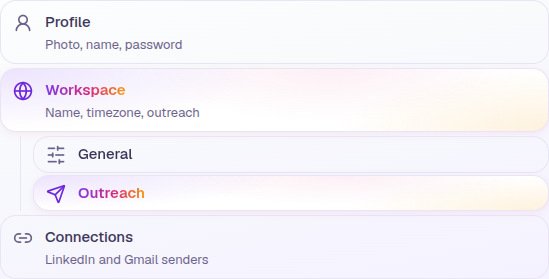
In the app, open Settings, then Workspace. General and Outreach sit under that row in the left sidebar. Outreach is at Settings, Workspace, Outreach.
One policy
The policy is per workspace, not per person and not per campaign. Save writes it into the workspace settings. The next plan reads those values. Restore defaults puts the built-in numbers back in the form. You still need to save.
What you can set
| Control | Default |
|---|---|
| Touchpoints required | 2 |
| Days in warm-up | 2 |
| Hours between touches | 12 |
| Prospects engaged per day | 20 |
| Skip Saturday and Sunday | On |
| Days connections can be sent | Tuesday to Friday |
| Connections per week | 35 |